Plans and billing
See your plan and usage, change plan, add a payment method and pay invoices.
Who can do this:Tenant AdministratorBilling Administrator
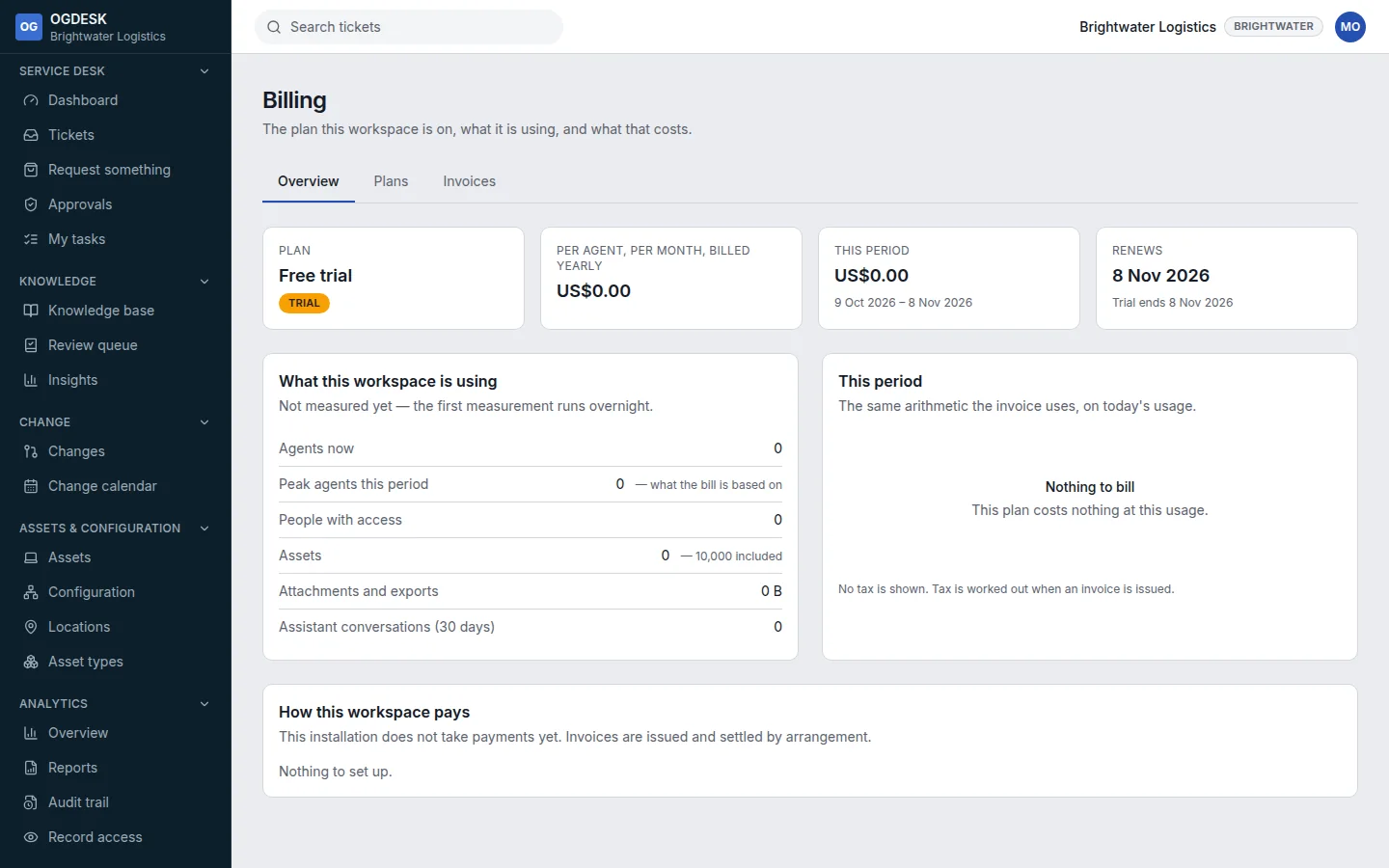
- Overview shows your plan, the current period, and what the workspace is using: agents, people, assets and storage, measured overnight.
- Plans compares the plans. Choose Move to … and confirm to change plan. It takes effect immediately; nothing is deleted. Choosing a plan during a trial ends the trial.
- Add a payment method opens our payment provider’s secure page. OGDESK never sees your card number.
- Invoices lists each month’s invoice. Choose View and pay on an issued one.
- Going over your plan’s agent allowance shows a warning. Nothing is switched off.