Tour of App settings
What each tab of App settings controls: email, ticket fields, lifecycle, security, data and more.
Who can do this:Tenant AdministratorHelp Desk Administrator (view)
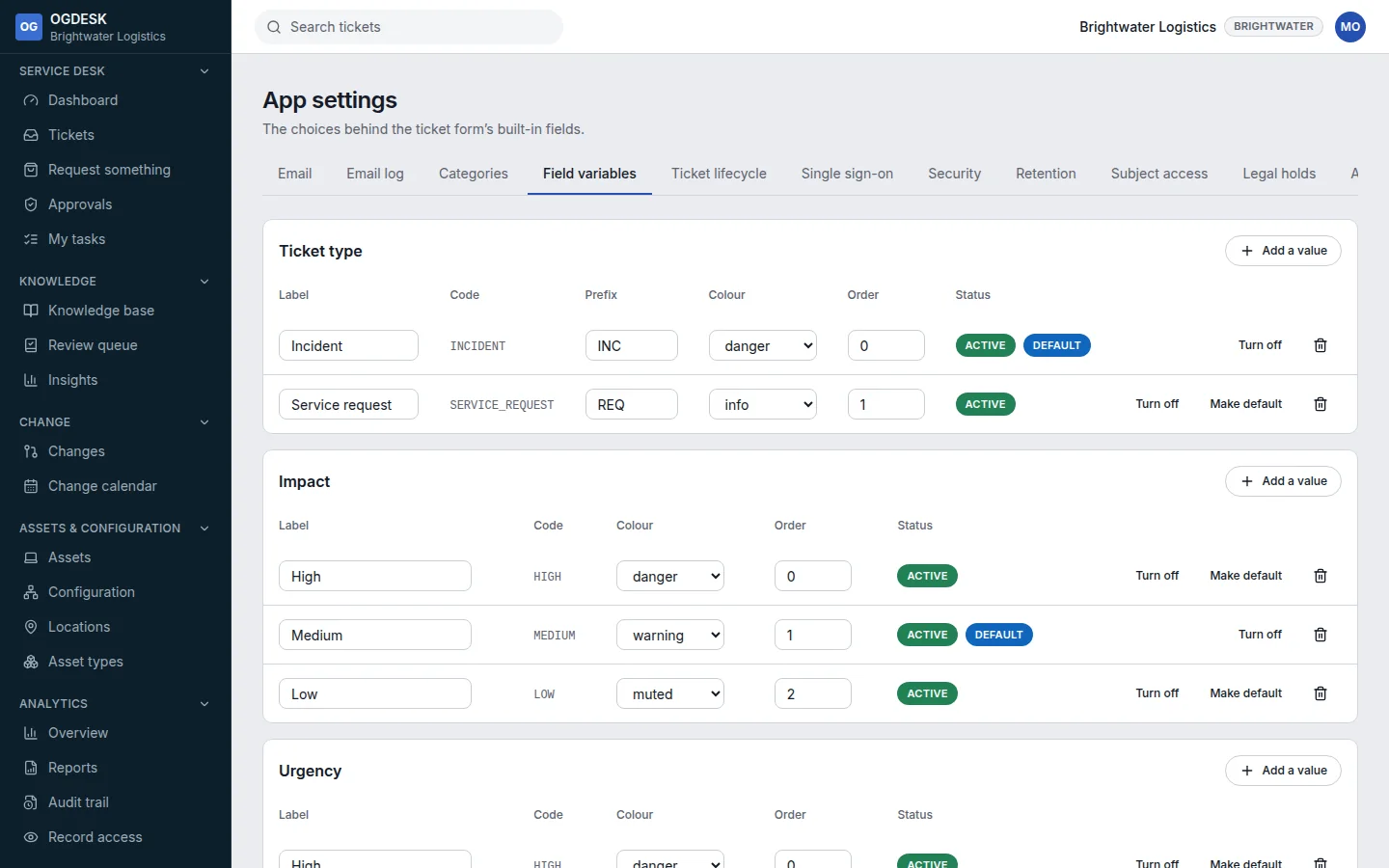
Administration → App settings holds the configuration you set up once. Help Desk Administrators can look; only a Tenant Administrator can change most of it.
| Tab | What it is for |
|---|---|
| Mailboxes for raising tickets by email, and the email templates OGDESK sends. See Set up email. | |
| Email log | Every message received or sent, and what happened to it. |
| Categories | How incidents and requests are classified. |
| Field variables | Ticket types and their number prefixes, impact, urgency, channels, and the Priority matrix. |
| Ticket lifecycle | The states a ticket can be in, what you call them, and which can follow which. |
| Single sign-on / Security | How people sign in. See Security and single sign-on. |
| Retention | How long finished tickets, changes and audit entries are kept (Enterprise). |
| Subject access | Find, export or erase everything held about one person. |
| Legal holds | Put records beyond the reach of deletion (Enterprise). |
| Assistant | An AI assistant in the portal, on the model and key you choose (Professional and above). |
| Data | Export and import. See Import and export data. |