Use the change calendar
See every planned change for the month, and spot clashes before they happen.
Who can do this:Everyone who can see changes
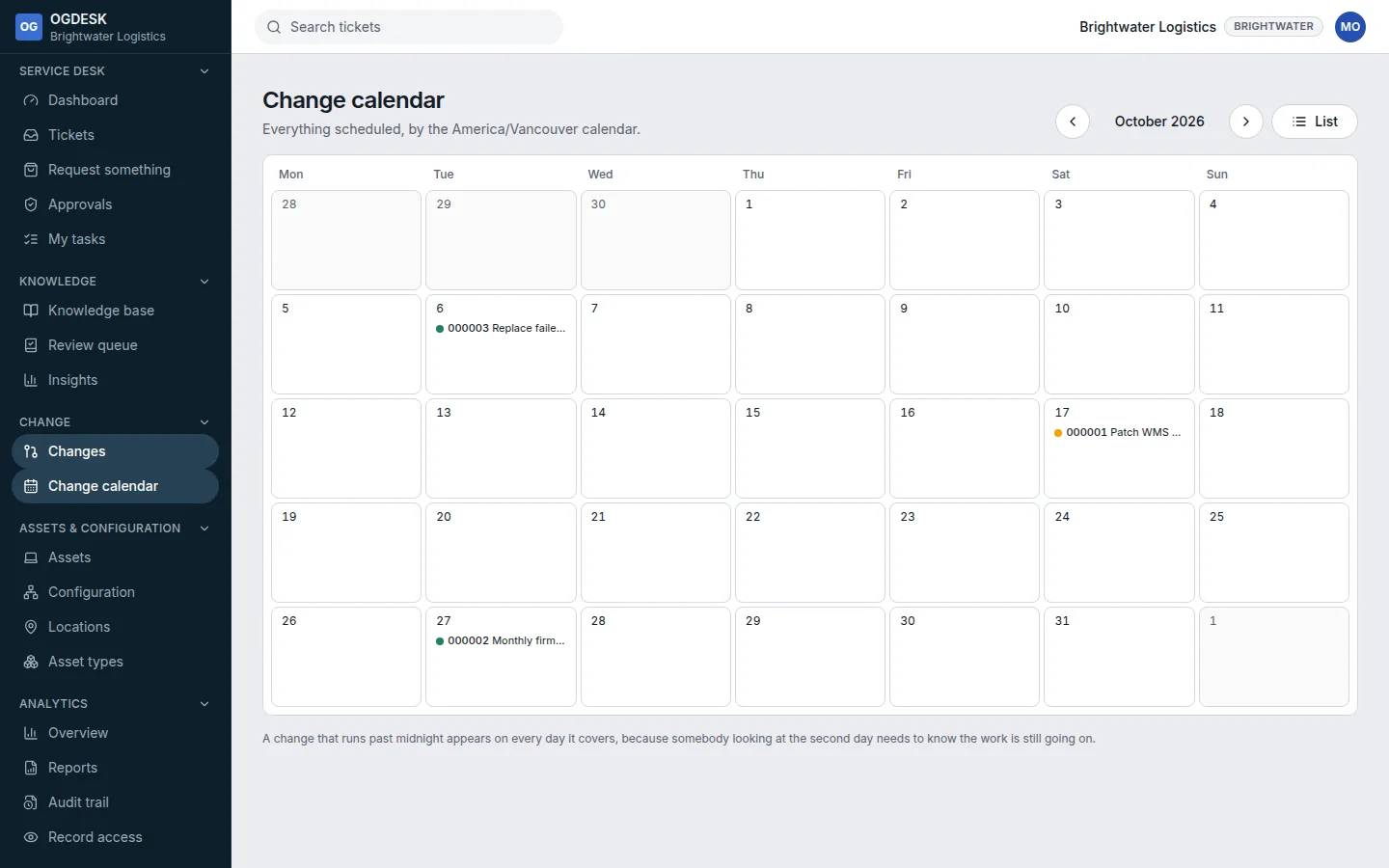
- Open Change calendar in the sidebar. Each entry shows the change number, its title and a dot coloured by risk.
- Use the arrows to move between months, or List to go back to the list of changes.
- Drafts, rejected and cancelled changes are left out. Changes that run over several days appear on each day.
- Times are in your workspace’s time zone.
- If something a change affects is already booked by another change at the same time, the change shows a Booked over other work warning.