Find tickets in the queue
Use views, filters and search to find the work that matters to you.
Who can do this:Help Desk AgentHelp Desk Administrator
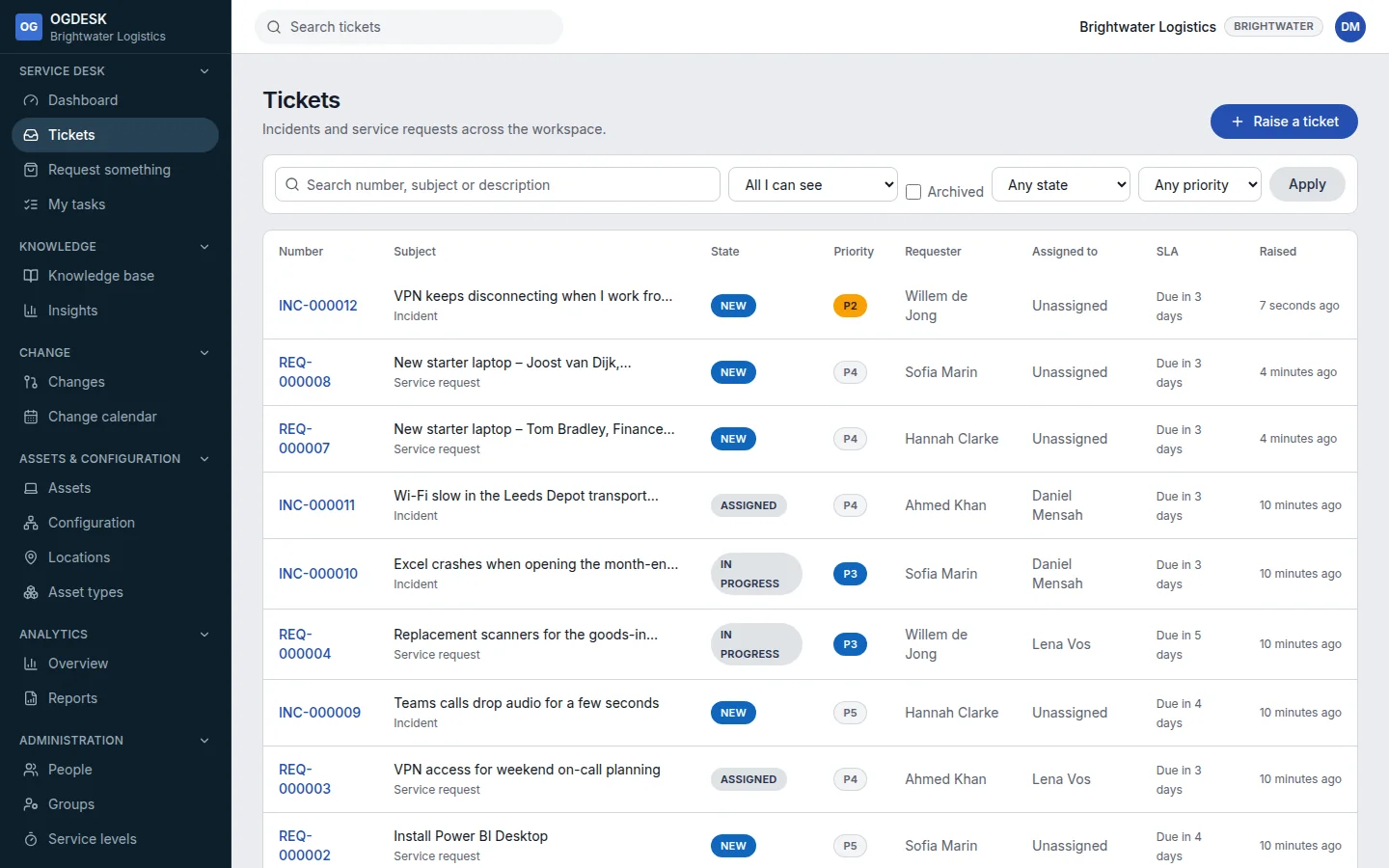
| View | Shows |
|---|---|
| All I can see | Every ticket your role lets you see. |
| Assigned to me | Tickets assigned to you personally. |
| My groups | Tickets assigned to any group you are in. |
| Unassigned | Open tickets nobody has picked up yet. Start each day here. |
| Raised by me | Tickets you raised yourself. |
| SLA breached | Tickets that missed a service level target. |
- State and Priority filter as soon as you change them.
- Search matches the ticket number, summary or description. Press Enter or choose Apply to run it.
- Tick Archived to include tickets that have been archived under the retention policy.
- The SLA column shows how long is left, or Breached.