Approve a change
Review a change you have been asked to approve and record your decision.
Who can do this:CAB ApproverChange Manager
Step 1: In Changes, choose View → Waiting on my approval.
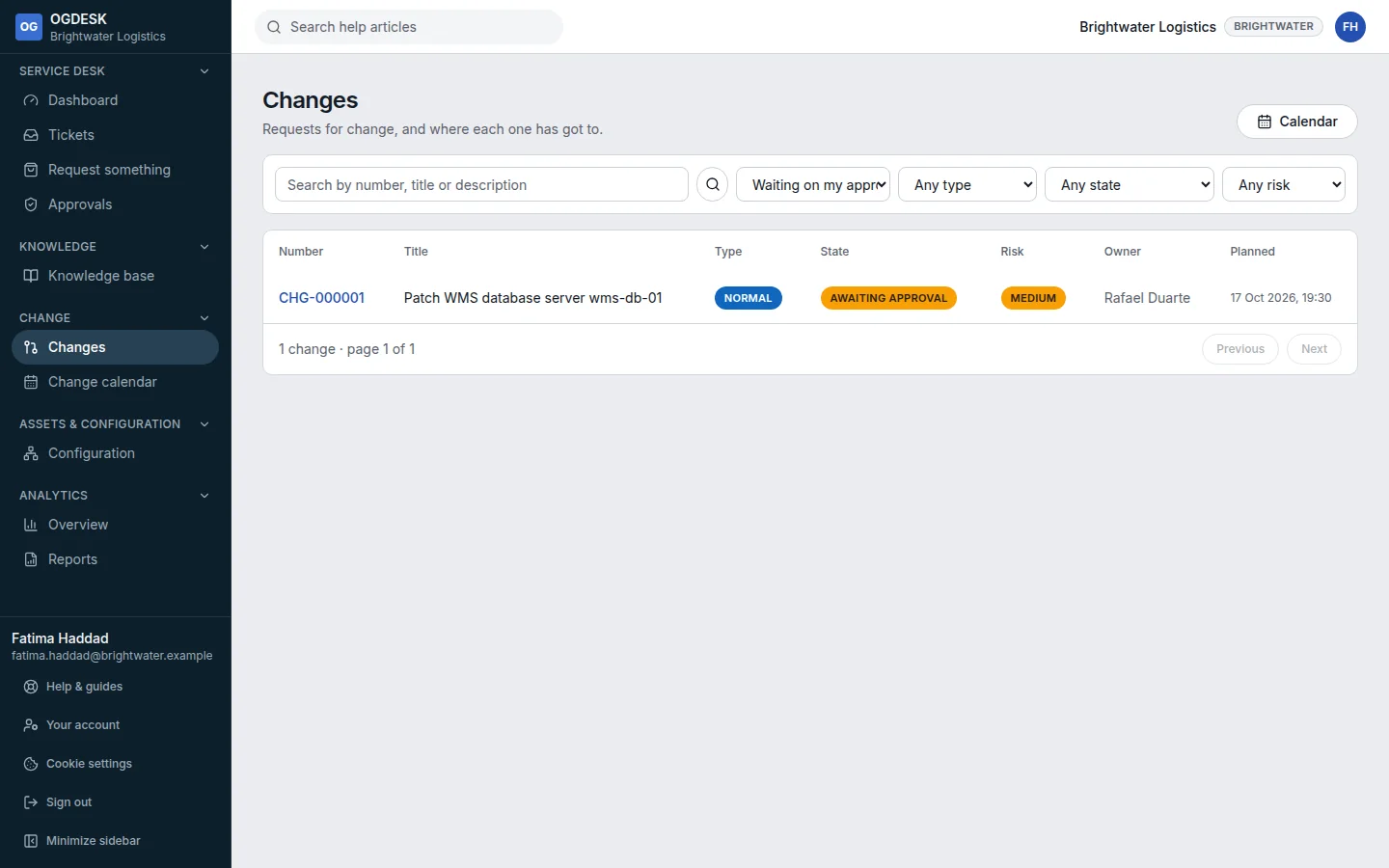
Step 2: Open the change and read the plans, the risk and Who is impacted.
Step 3: Under Your decision, add an optional comment and choose Approve or Reject.
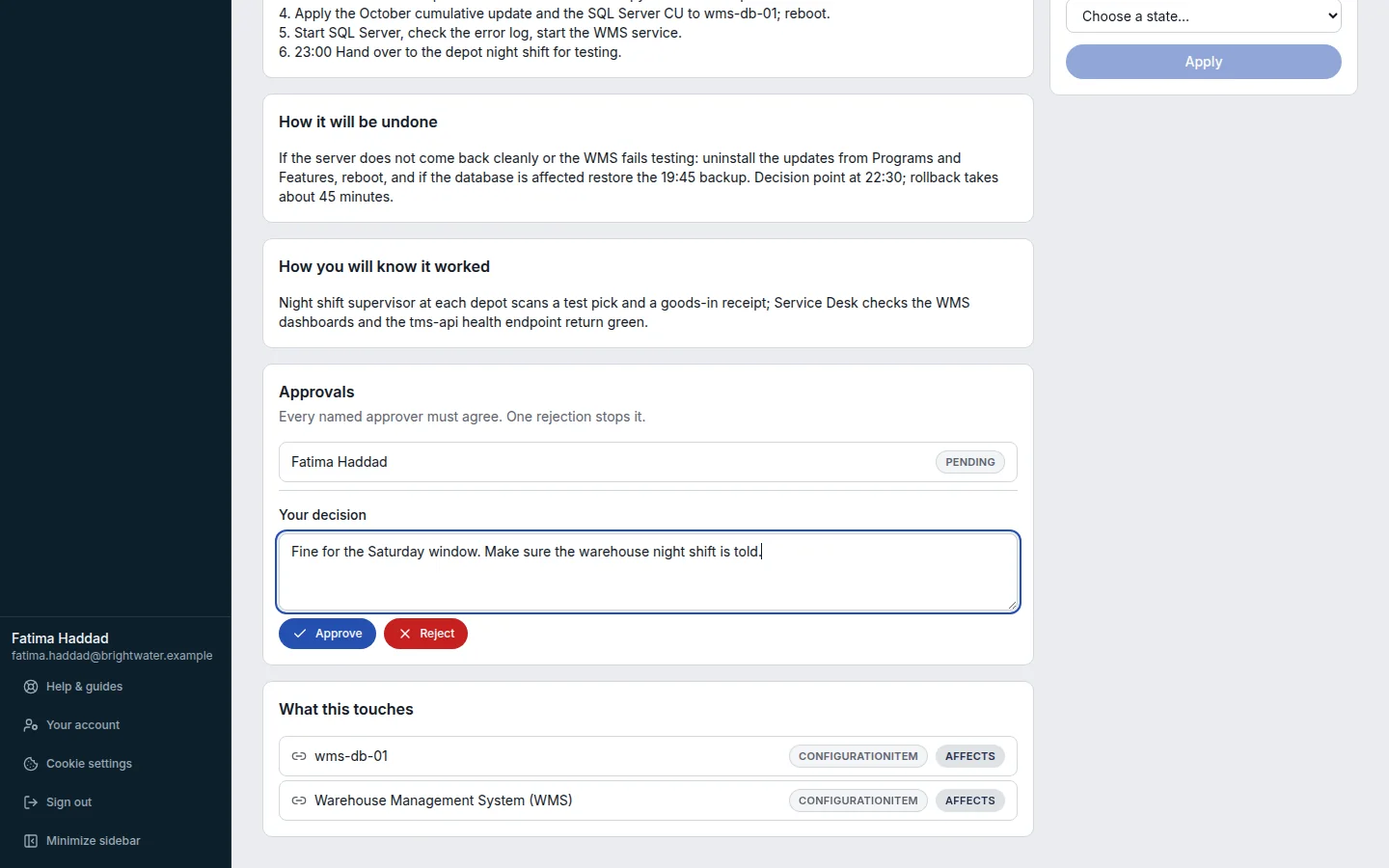
Your vote cannot be changed afterwards. The Approvals card shows how each approver voted.