Approve or reject a request
Decide on requests that a workflow has sent to you for sign-off.
Who can do this:CAB ApproverHelp Desk AdministratorTenant Administrator
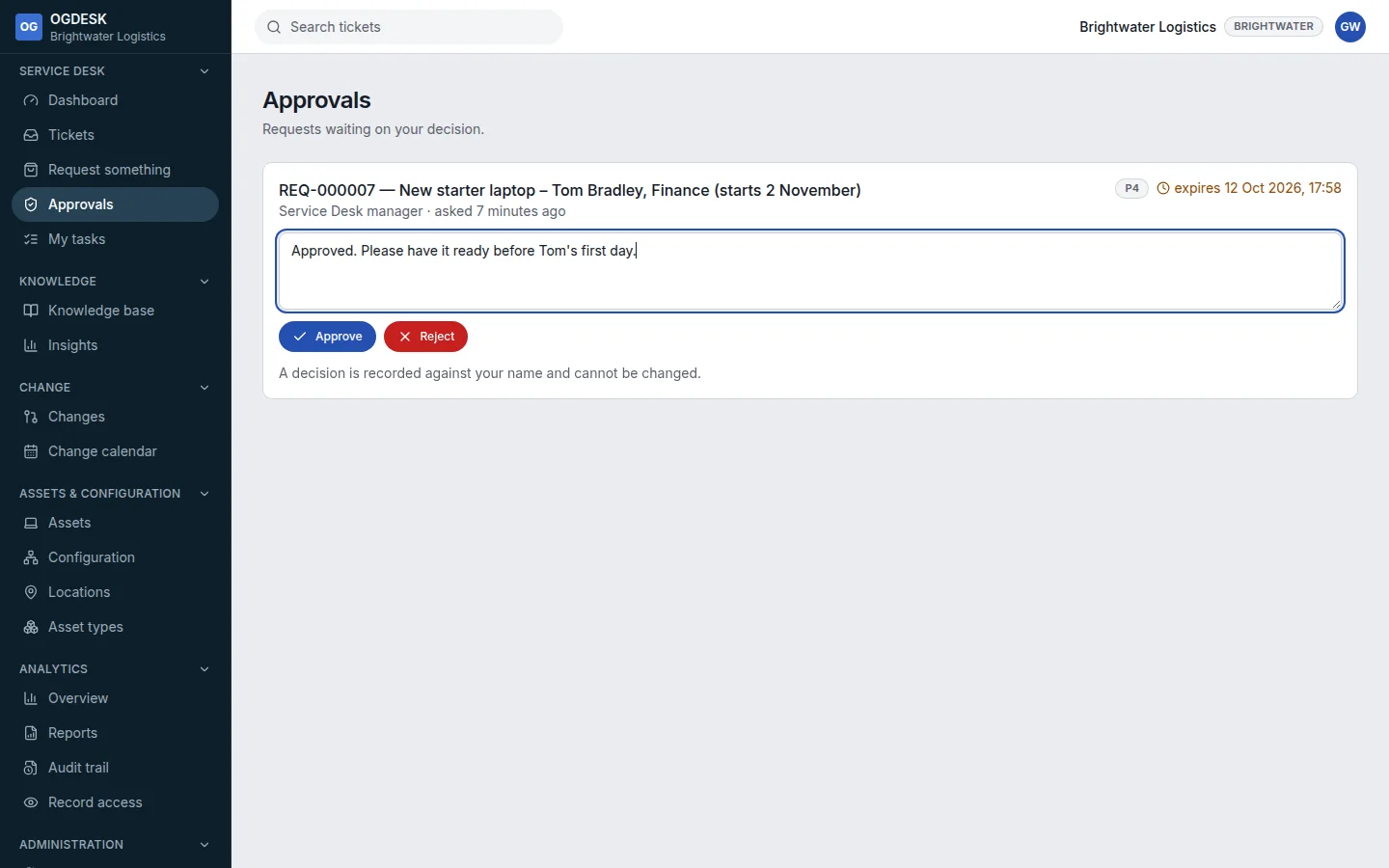
Step 1: When a request needs your decision you are emailed. Open Approvals in the sidebar.
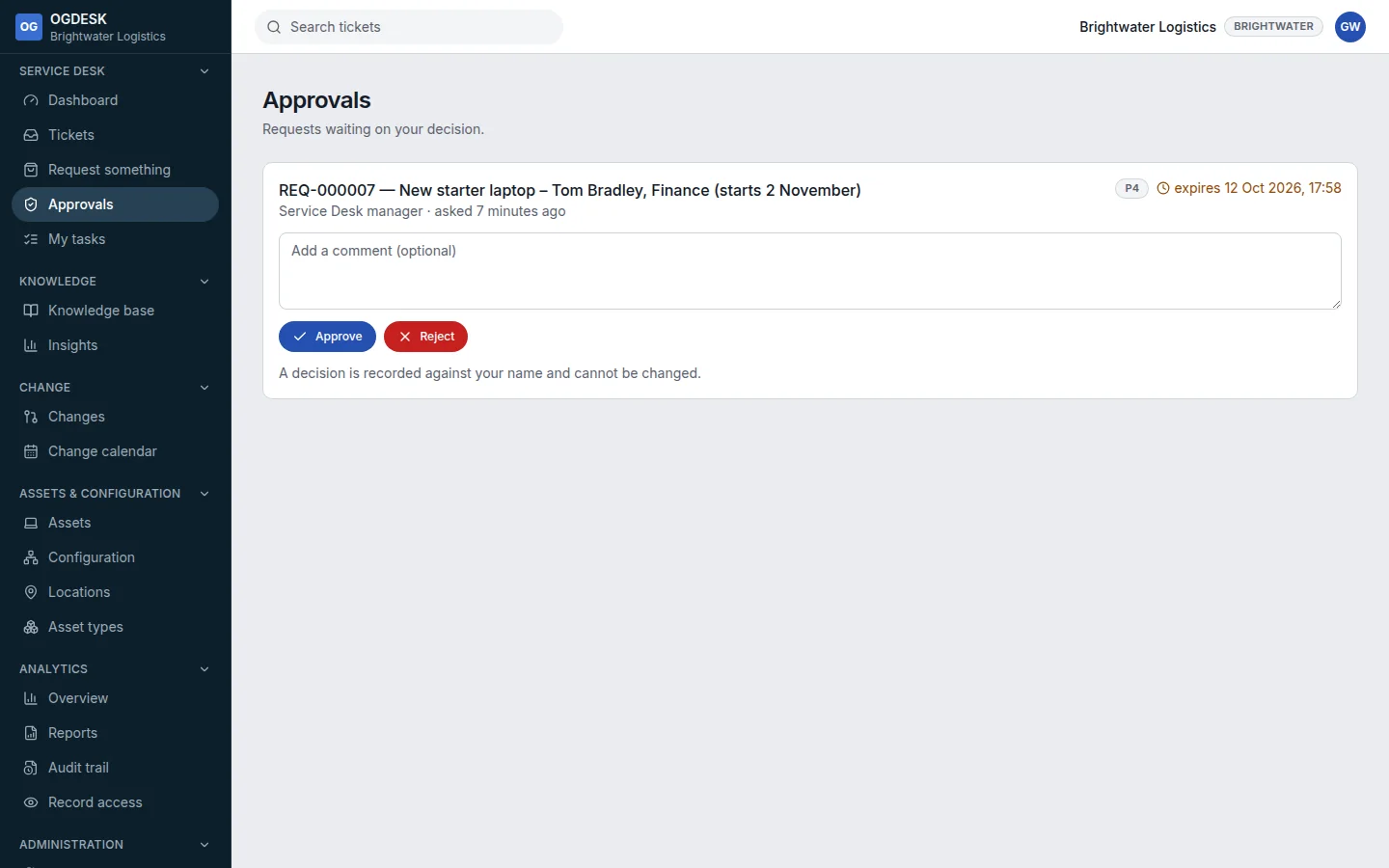
Step 2: Open the request’s number to read it in full, if you need to.
Step 3: Optionally Add a comment, then choose Approve or Reject.
Your decision is recorded against your name and cannot be changed. The workflow carries on straight away.