Assignment groups and service levels
The teams work is routed to, and the response and resolution times OGDESK measures.
Who can do this:Help Desk AdministratorTenant Administrator
Assignment groups
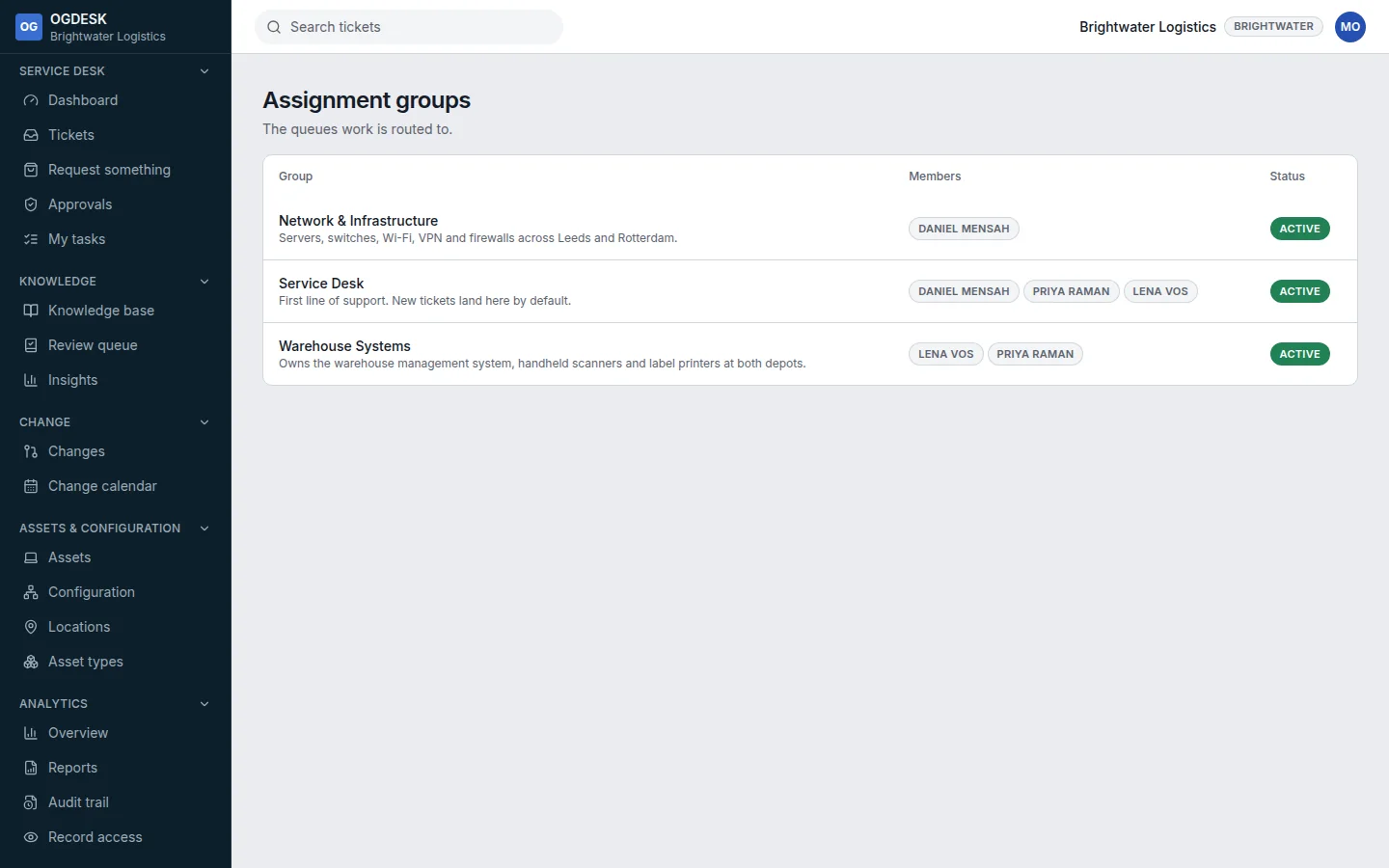
Administration → Groups lists your teams and who is in each. Every new workspace starts with Service Desk, where new tickets land by default. An agent’s groups decide which tickets appear under My groups in the queue and which fulfilment tasks reach them.
Service levels
Administration → Service levels shows each policy’s targets by priority, measured in working time on its business calendar. When a ticket is raised, a matching policy starts its clocks, and the ticket shows them under Service levels.
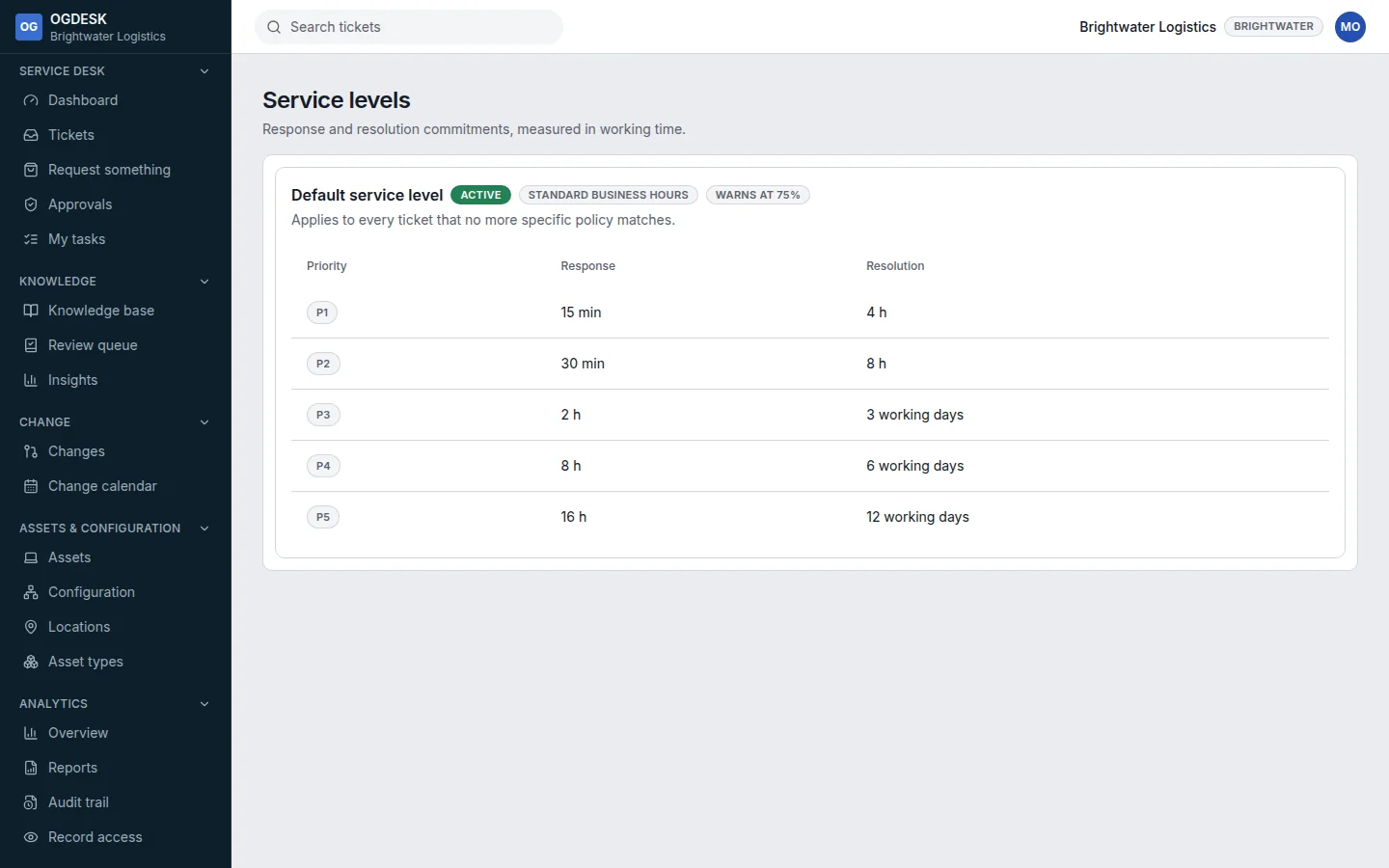
| Priority | Respond within | Resolve within |
|---|---|---|
| P1 | 15 minutes | 4 working hours |
| P2 | 30 minutes | 8 working hours |
| P3 | 2 working hours | 3 working days |
| P4 | 8 working hours | 6 working days |
| P5 | 16 working hours | 12 working days |
- The clocks pause while a ticket is Pending or On hold, and carry on when it moves again.
- The first public reply from somebody other than the requester meets the response target.
- At the policy’s warning point, and again on a breach, the assignee and their group are emailed.