Import and export data
Bring in tickets, assets and articles from another tool, export your data, or copy configuration between workspaces.
Who can do this:Tenant AdministratorHelp Desk AdministratorAsset Manager (imports)
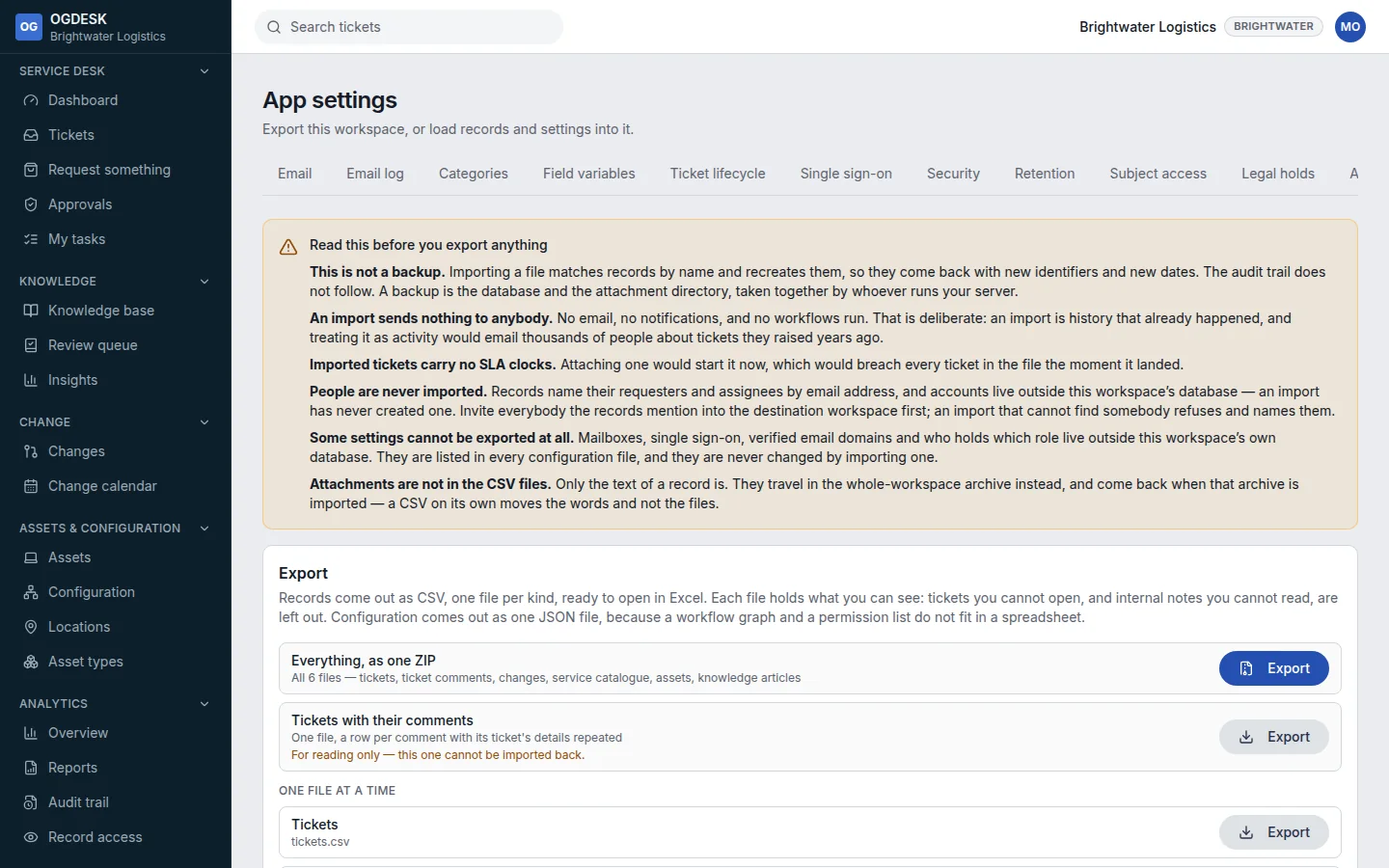
- Export records as CSV, one file per kind (tickets, comments, changes, assets, articles…), the configuration as one JSON file, or Take the whole workspace as a .zip archive.
- Import a CSV of one kind of record. Download a template from What goes in each column to get the headings right.
- Choose Add new only to leave existing records alone, Add and update to change matching ones, or Replace everything to start that kind again. There is no undo for the last one.
- Every row is checked before anything is written; one bad row stops the whole import and tells you which.
- A configuration file carries roles, groups, categories, calendars, service levels, the catalogue, asset types, CI classes and workflows. It never carries passwords, mailboxes, single sign-on or who holds which role.