Find an answer in the knowledge base
Search the articles your IT team has written, and tell them whether one helped.
Who can do this:Everyone
Step 1: Open Knowledge base in the sidebar.
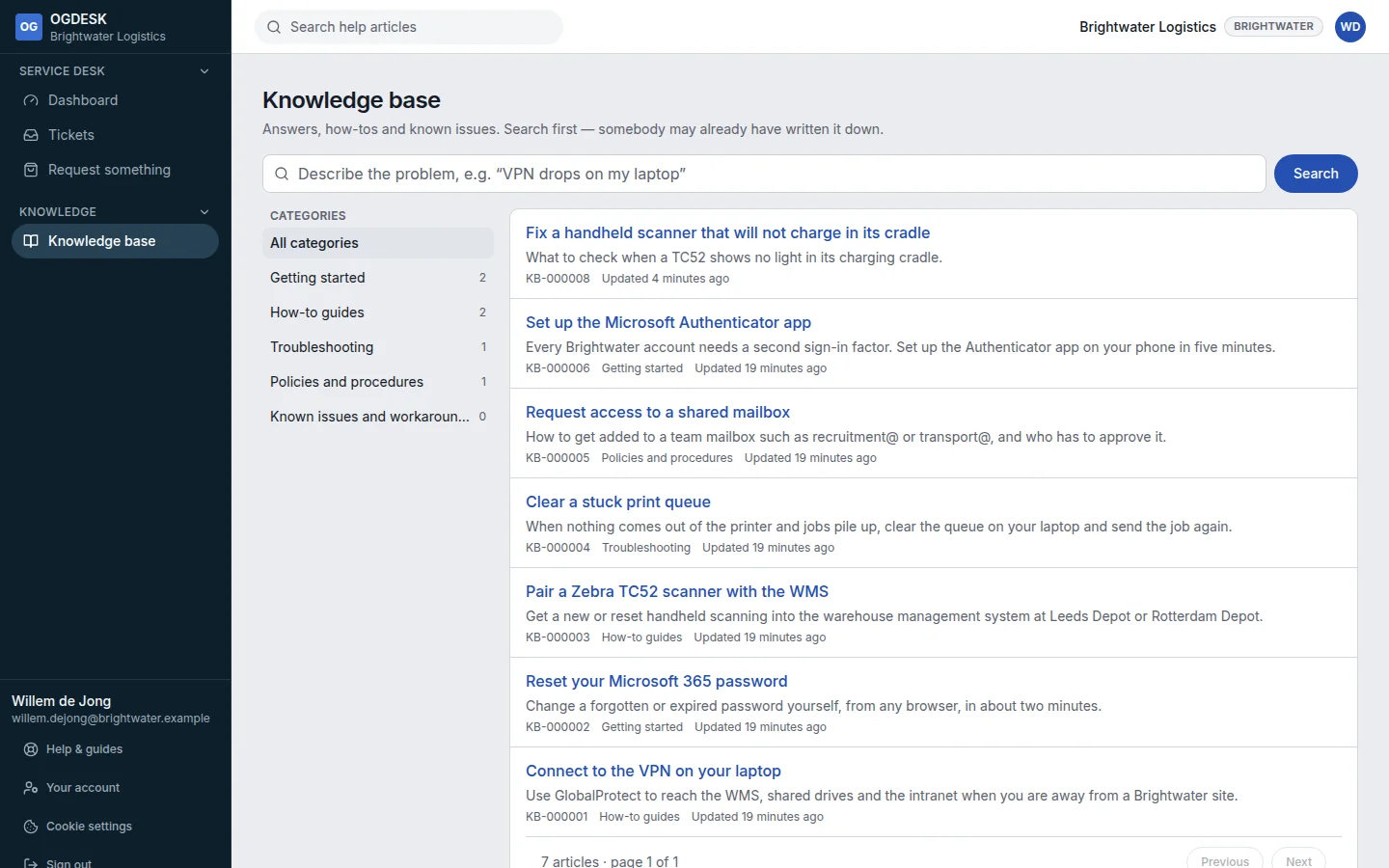
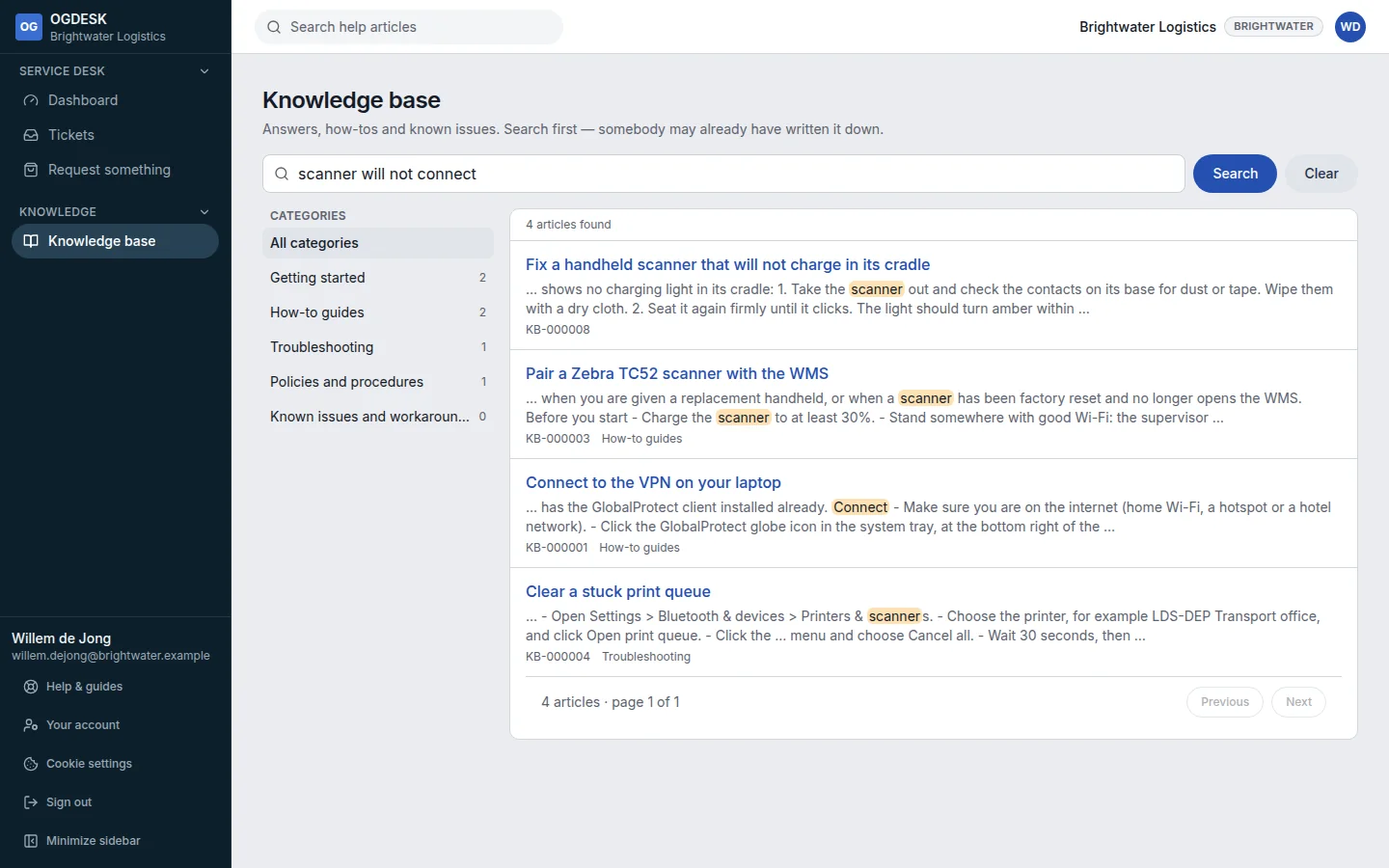
Step 2: Describe the problem in your own words and choose Search, or pick a category on the left.
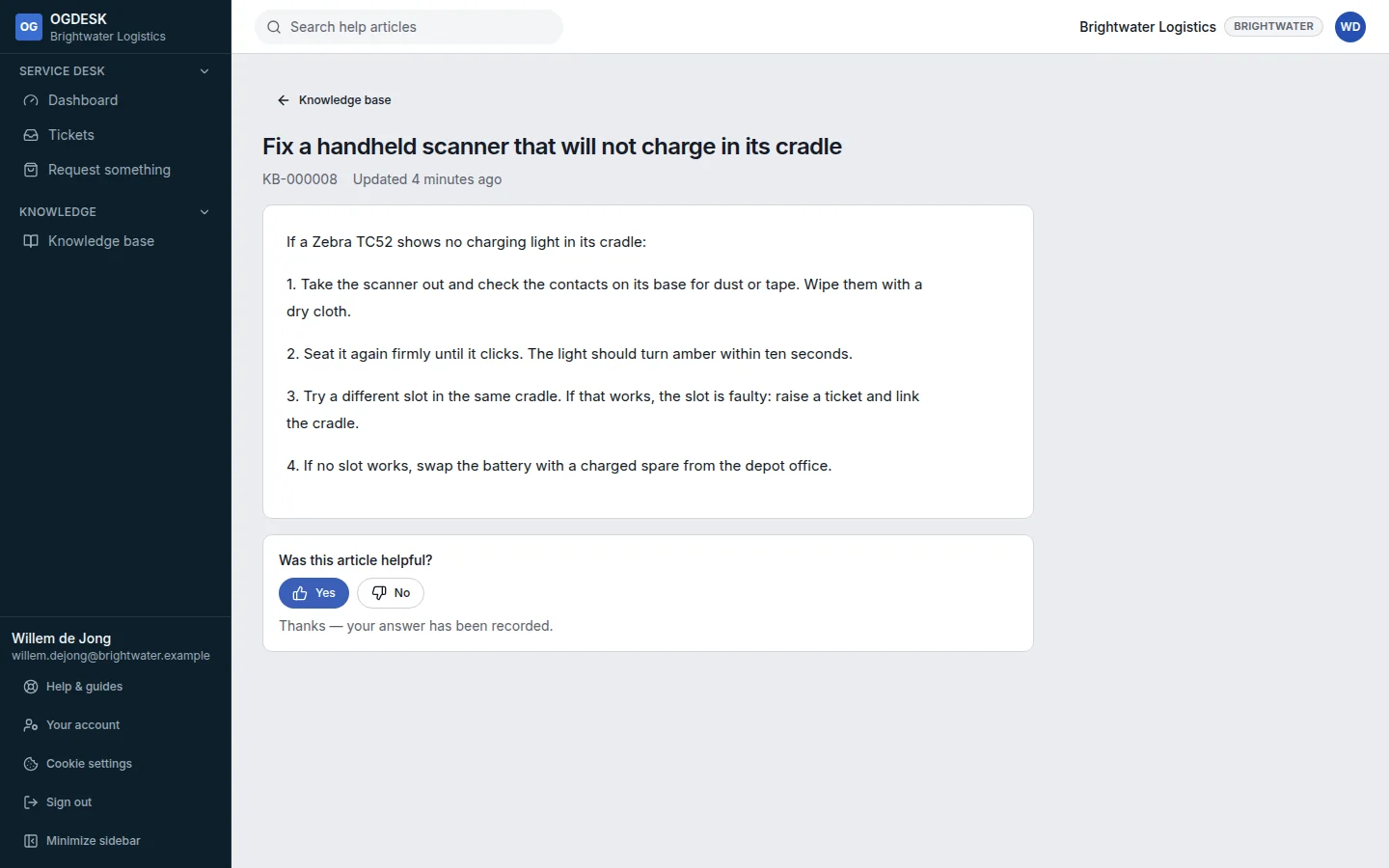
Step 3: Open an article. At the bottom, answer Was this article helpful?
Choosing No asks what was missing. The author sees your answer and can fix the article.