Set up your service catalogue
Choose what people can request from Request something, and which items need approval.
Who can do this:Help Desk AdministratorTenant Administrator
Step 1: Go to Administration → Service catalogue and choose New item.
Step 2: Give it a Name and Description that make sense to the person asking. Tick Needs approval before work starts if it does.
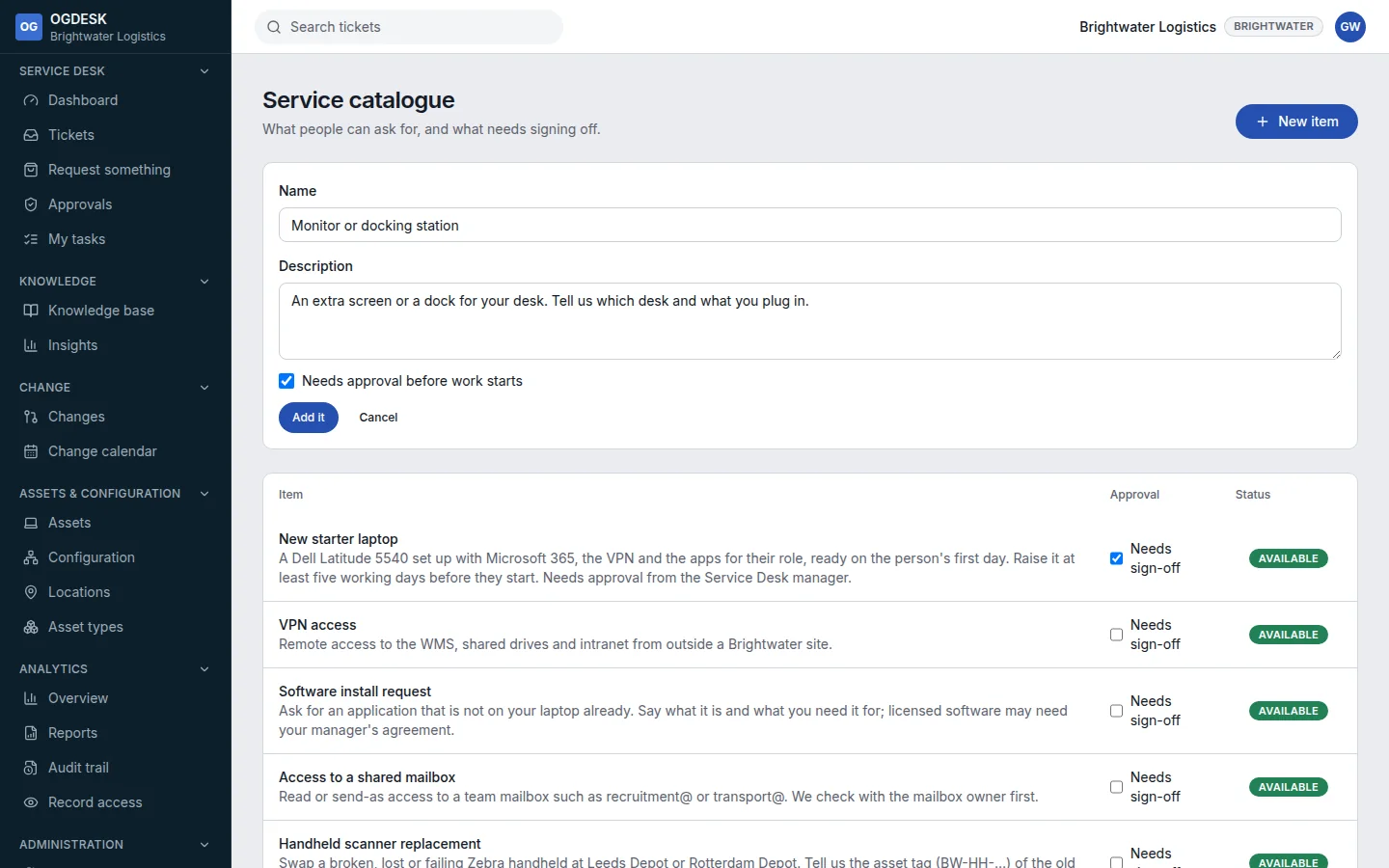
Step 3: Choose Add it. It appears on Request something straight away.
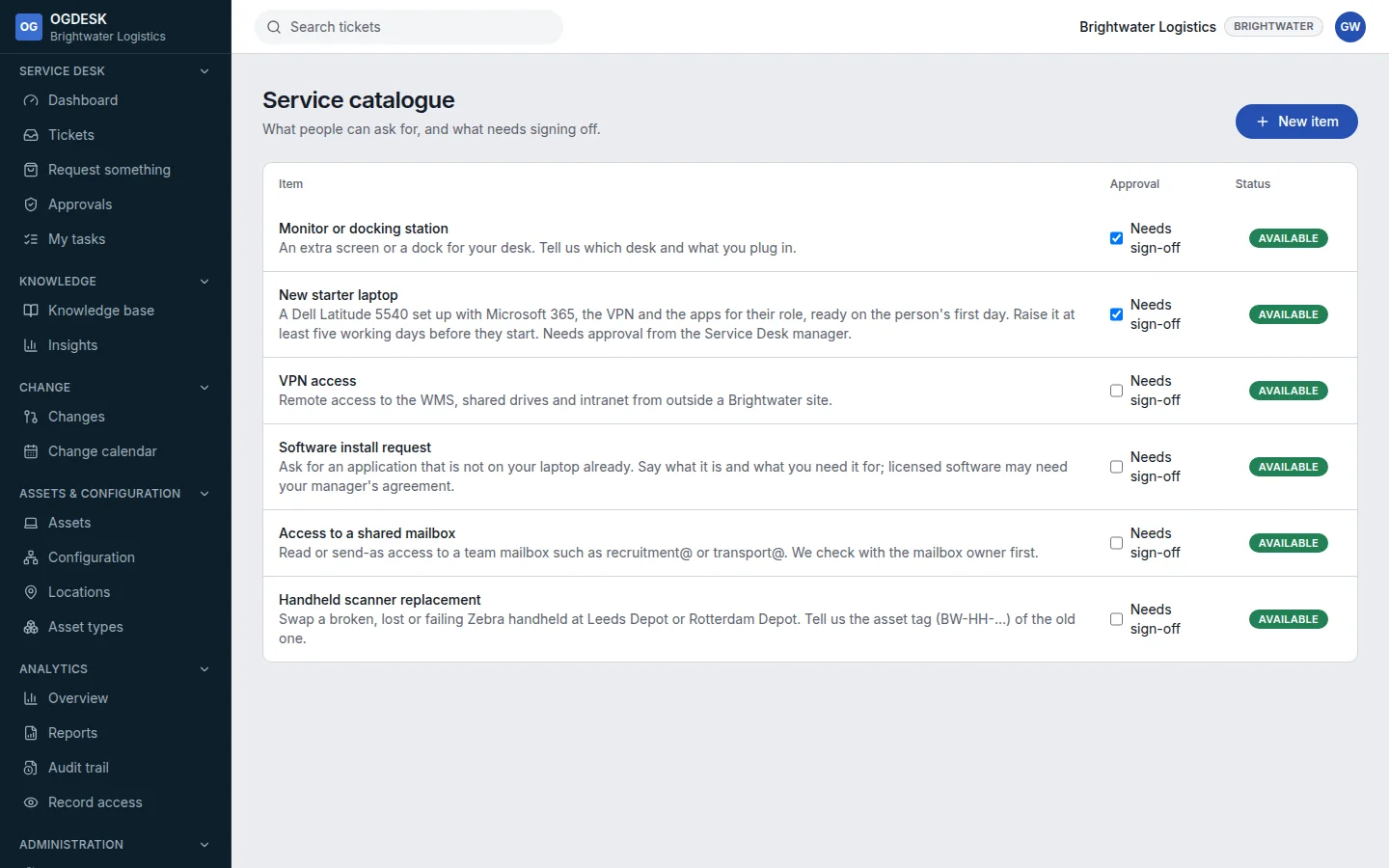
- Choose an item’s Available badge to retire it; choose Retired to bring it back.
- To route requests, ask for approval or create fulfilment tasks, build a workflow that runs when a ticket is raised for that Catalogue item.