Security and single sign-on
Require two-factor authentication, set session and password rules, and connect your identity provider.
Who can do this:Tenant Administrator
Security
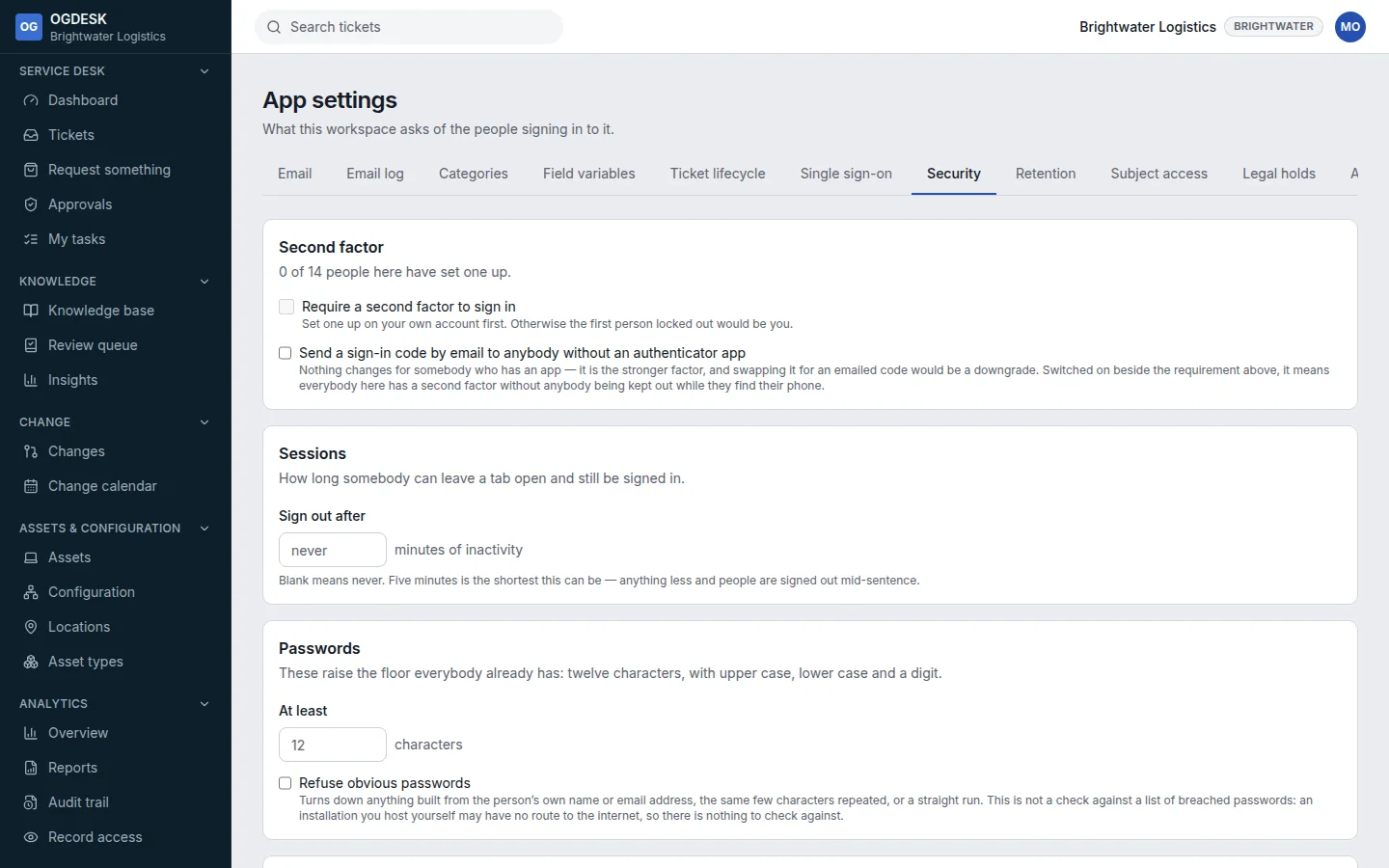
- Second factor: Require a second factor to sign in, with a number of days’ grace. Set one up on your own account first.
- Sessions: sign people out after a number of minutes without activity.
- Passwords: a longer minimum length, and refusing obvious passwords.
- Where people can sign in from: an IP allow-list, one address or range per line. The page shows the address you are using now, so you do not lock yourself out.
Single sign-on
To let people sign in through Microsoft Entra ID, Google Workspace, Okta or another OpenID Connect or SAML provider, follow Set up single sign-on.