Change someone’s role or remove them
Give a member a different role, or take away their access to the workspace.
Who can do this:Tenant AdministratorHelp Desk Administrator (roles only)
Change a role
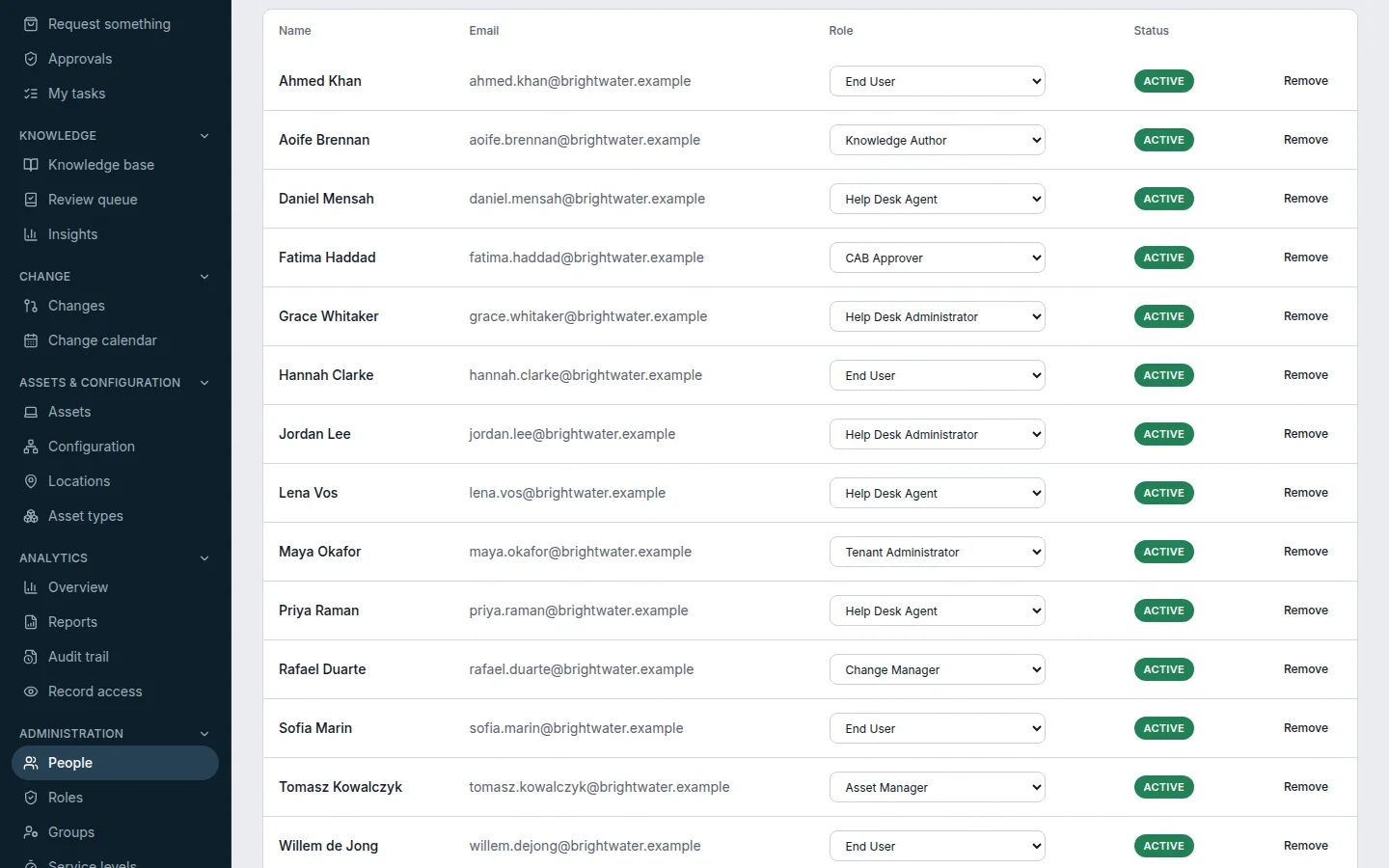
Step 1: Go to Administration → People.
Step 2: In the Role column, pick the new role from the person’s dropdown. It is saved immediately.
Remove someone
Choose Remove on their row. There is no confirmation, so check the name first. Removing takes away their access to this workspace only; the tickets they raised and the work they did stay, under their name. Only a Tenant Administrator can remove people.