Roles and permissions
What each built-in role can do, so you can choose the right one when you invite somebody.
Who can do this:Everyone can read thisTenant Administrator assigns
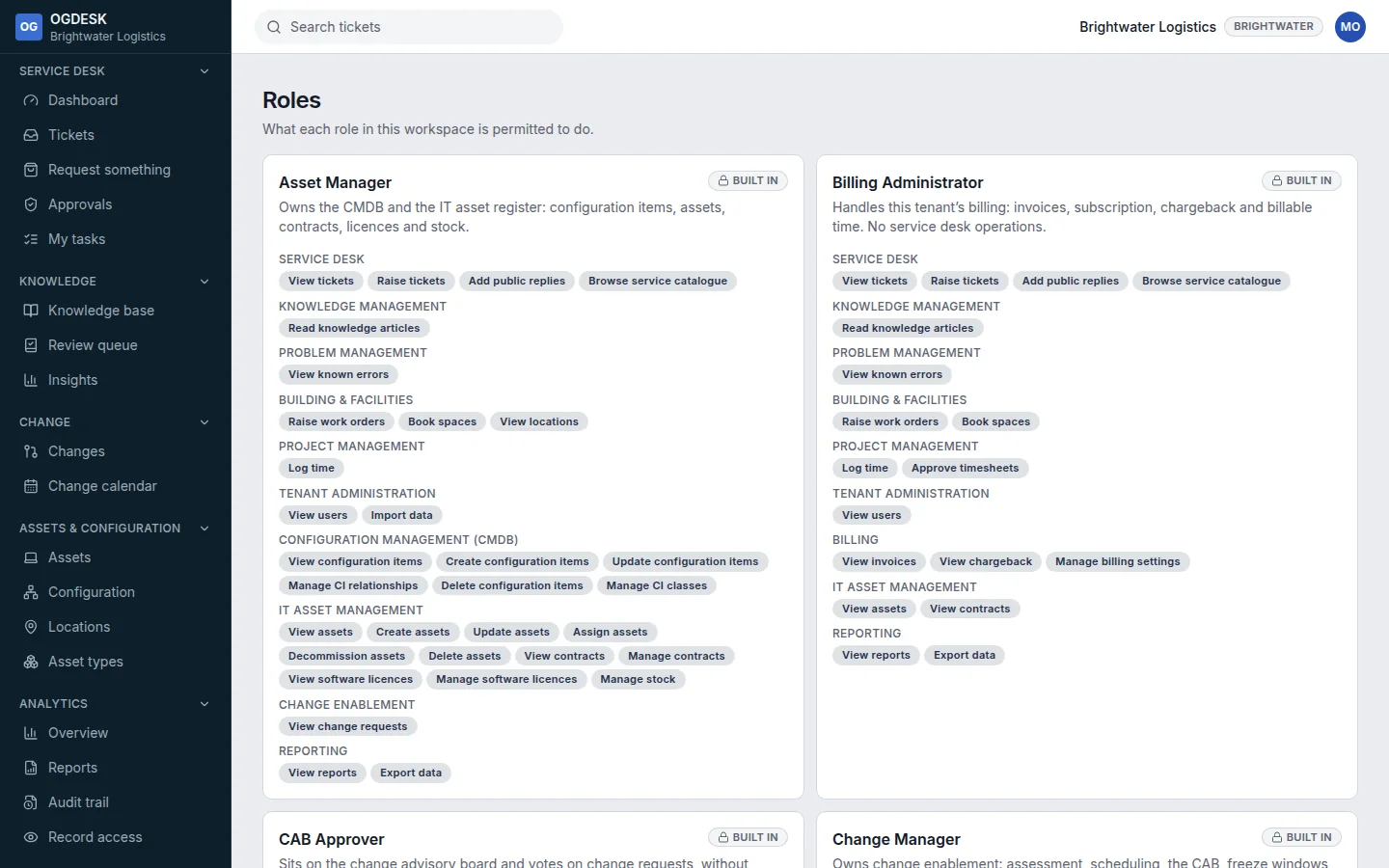
Every member holds a role, and the role decides which pages appear in their sidebar and which buttons appear on them. You can read each role’s full list of permissions under Administration → Roles.
| Role | Give it to | What it adds |
|---|---|---|
| End User | Everyone who asks for help | Raise tickets and follow their own, request from the catalogue, read the knowledge base. |
| Help Desk Agent | Your support team | See and work every ticket: assign, reply, internal notes, resolve, close. Write knowledge articles, work fulfilment tasks, raise draft changes, read reports. |
| Help Desk Administrator | Team leads | Everything an agent does, plus inviting people, the service catalogue, workflows, approvals, reports and the audit trail. Can view, but not change, App settings. |
| Knowledge Author | Subject experts | Write, review and publish knowledge articles. |
| Change Manager | Whoever runs change | The whole change lifecycle, including standard and emergency changes. |
| CAB Approver | Approvers and budget holders | Read and approve changes and requests that are waiting on them. |
| Asset Manager | IT asset and CMDB owners | Assets, asset types and configuration items. |
| Problem Manager | Problem owners | Agent permissions plus problem management and publishing articles. |
| Billing Administrator | Finance | Invoices and billing settings, nothing else. |
| Tenant Administrator | One or two people | Every permission, including App settings, removing people and billing. |